Install Cobblemon with the Modrinth App
By the Cobblemon.org team · Updated 2026-11-25 · Checked against Cobblemon 1.8.4
Install the free Modrinth App, sign in with the Microsoft account that owns Minecraft Java Edition, open Discover content, search for Cobblemon and click Install. The app sets up Minecraft 1.21.1 and the mod loader; press Play on the new instance to start.
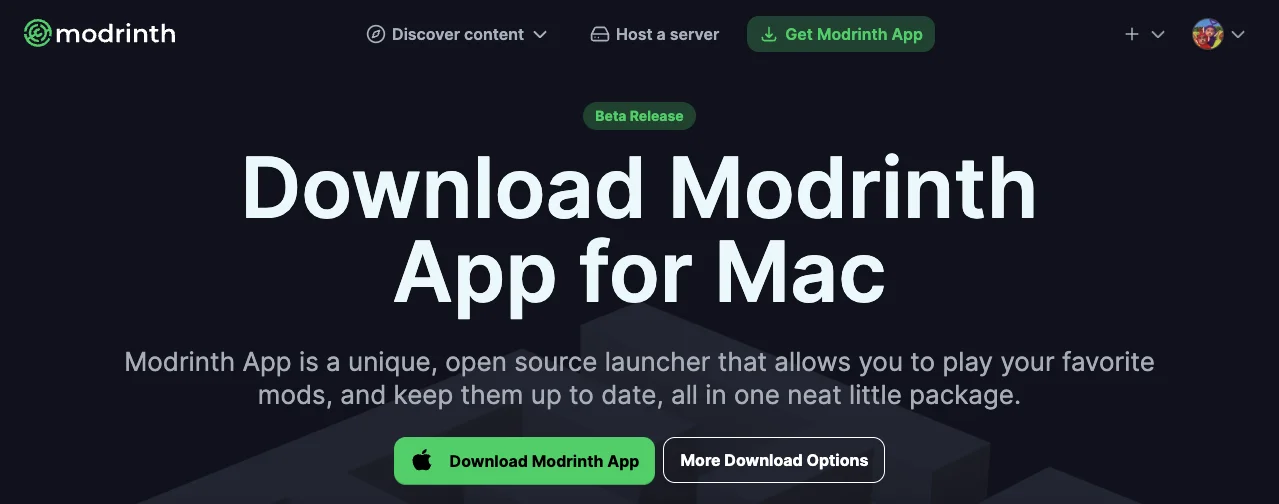
1. Download and install the Modrinth App
- Open the official Modrinth App download page.
- Choose the build for your system: Windows, macOS or Linux.
- Run the installer and follow its steps.
2. Sign in with your Minecraft account
- Open the app and find the account (profile) control.
- Choose Add Account and sign in with the Microsoft account that owns Minecraft Java Edition.
- When it works, your username and skin appear in the app.
3. Find and install Cobblemon
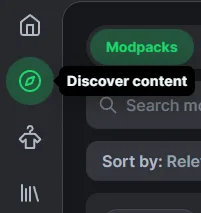
Click the compass icon, Discover content, in the left sidebar. The page opens on Modpacks with a search box.
- Cobblemon on its own: search for
Cobblemonamong the mods and install it into a Minecraft 1.21.1 instance that uses Fabric or NeoForge. On Fabric, also install Fabric API; on NeoForge, Kotlin for Forge. The installation overview lists the exact versions. - A modpack that includes Cobblemon: on the Modpacks tab, search for the pack and click Install. The pack brings its own loader and mod versions, which is what servers usually ask for.
4. Launch Cobblemon
- Go to Home (the house icon in the sidebar).
- Find the instance you just installed and click Play.
- The first launch downloads Minecraft 1.21.1 and the loader, so it takes longer than later launches.
In a world, choose your starter and continue with the getting started guide.